Paused: CorrCoach Tri open-water training footage.
Swim
Pool sets come in whole lengths of your pool, and open-water sessions sit in the same week as everything else.
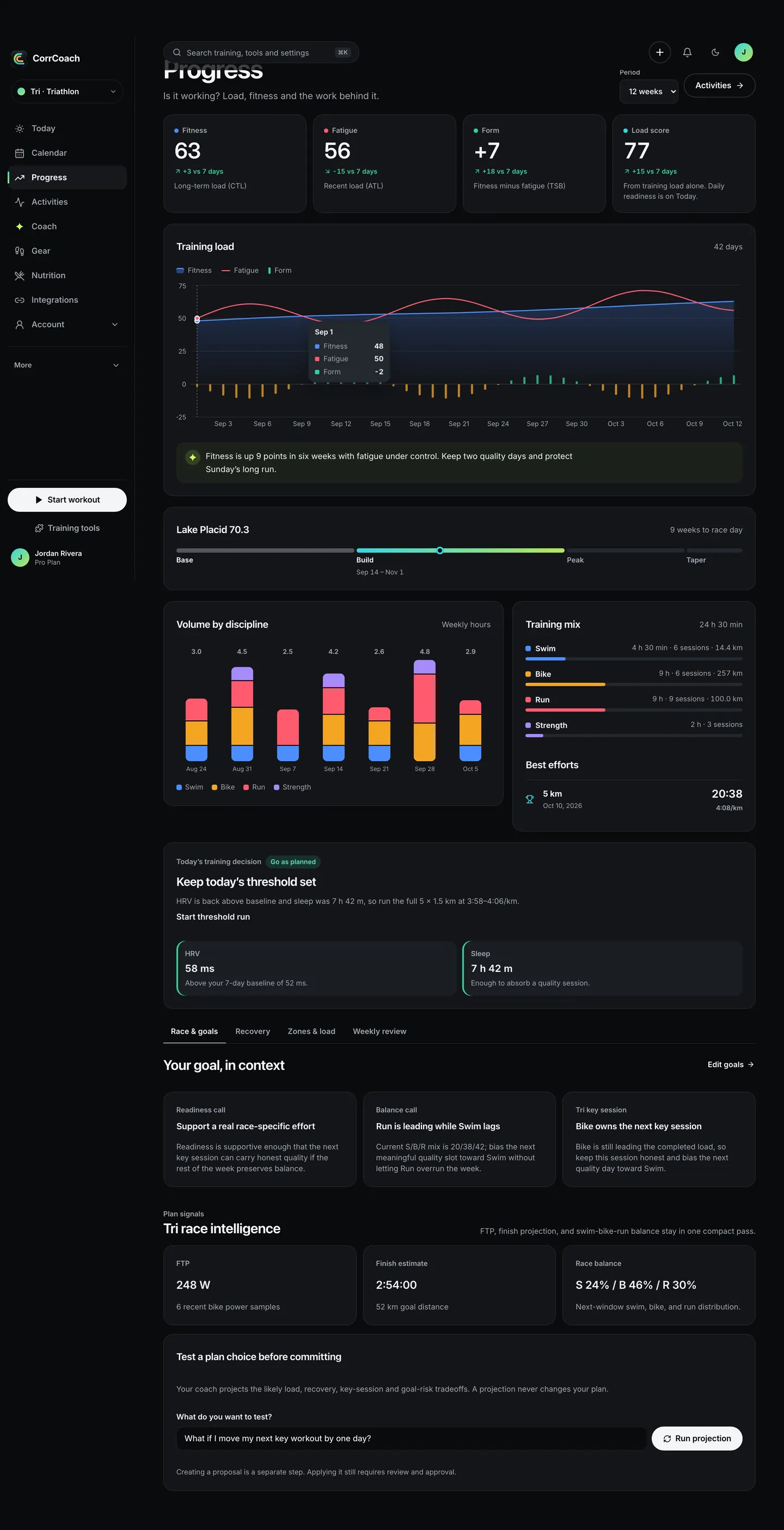
Swims, rides, runs, bricks and taper sit in one race build, worked back from your event date and fitted around your recent training, recovery and free hours.
CorrCoach Tri
Today’s brick on iPhone, and the pool set on Apple Watch with its pace target in big type.
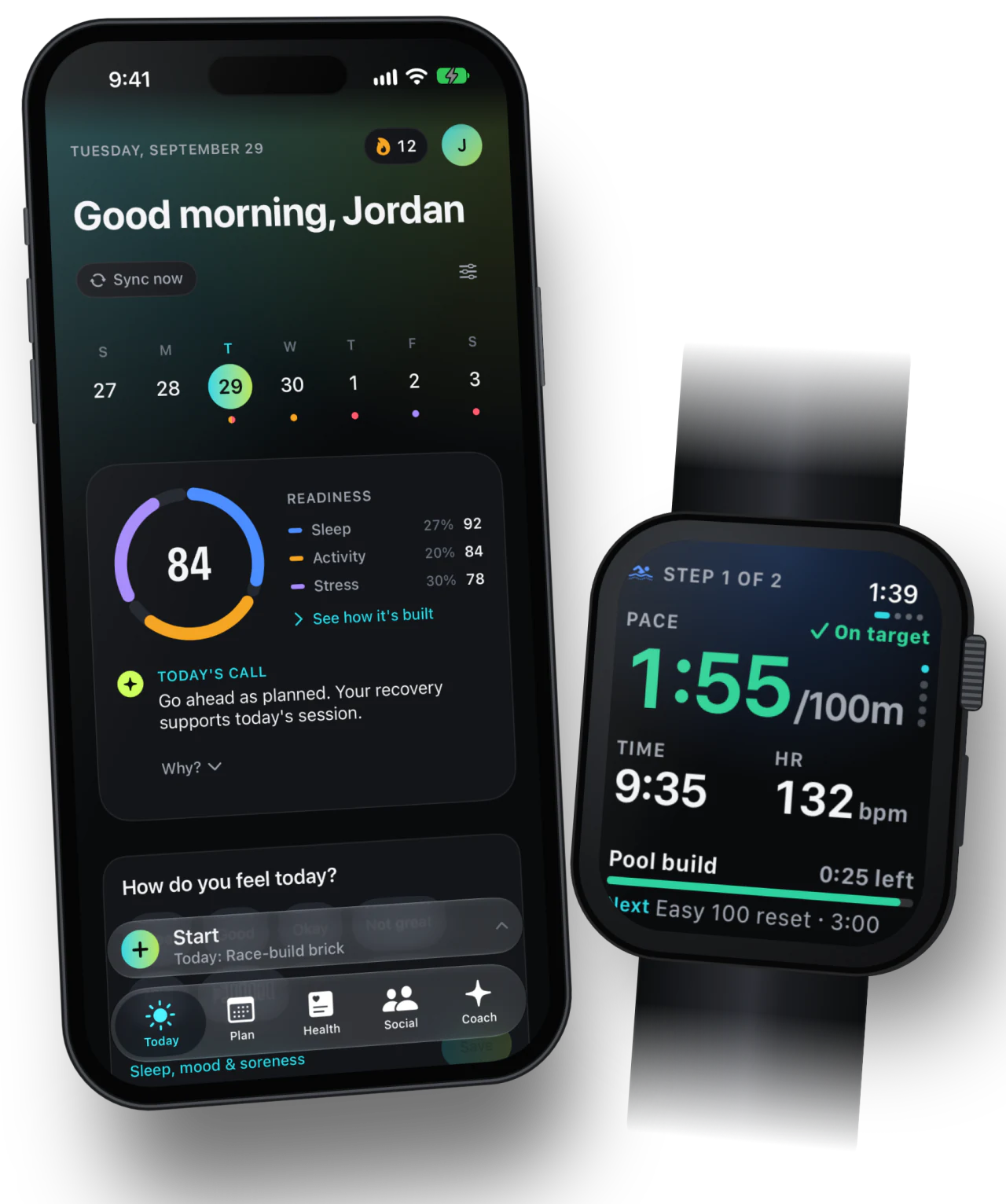
Swim, bike, run, brick, recovery and taper sessions share the same race-build view.
Key sessions show the phase and discipline they belong to.
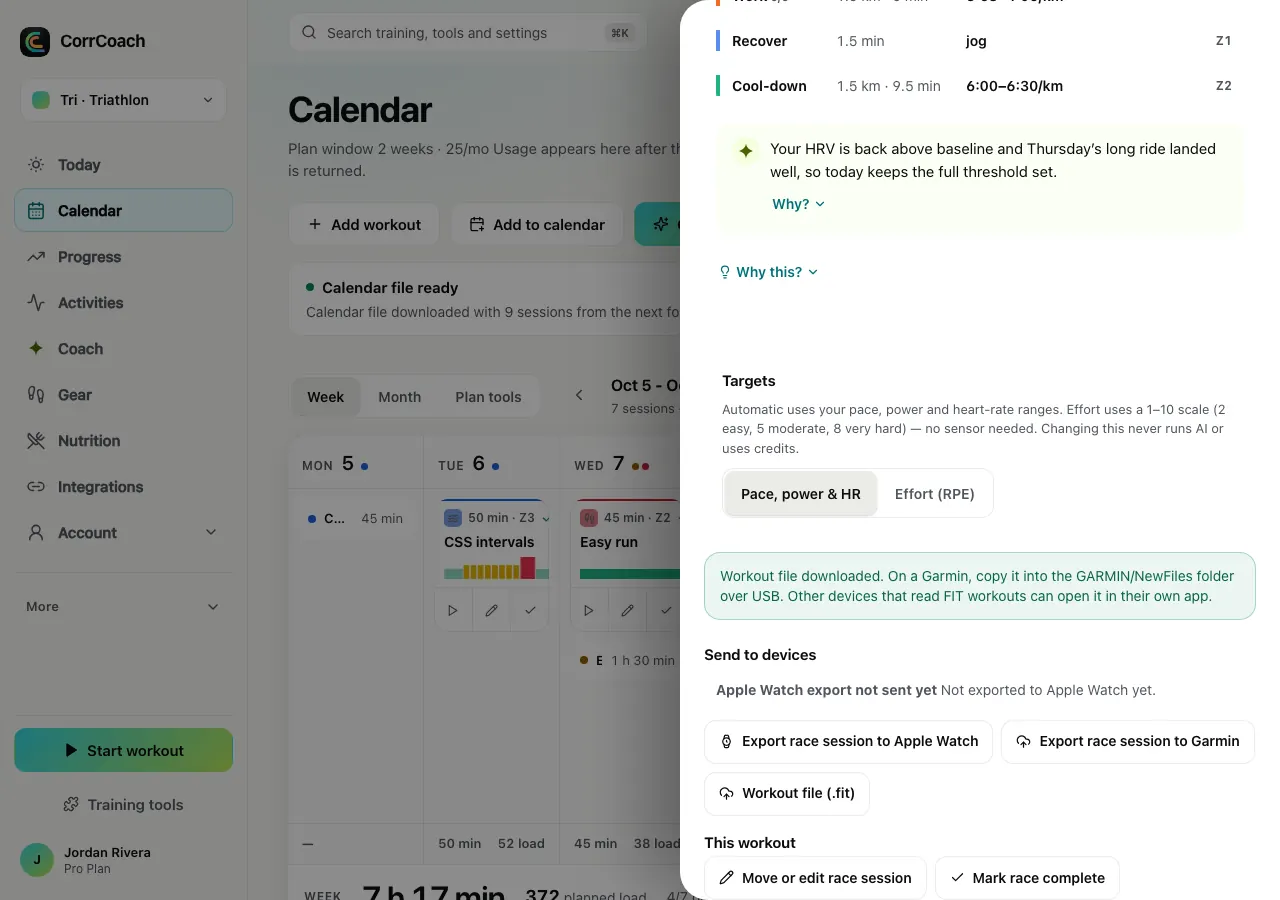
Eligible planned workouts go from your CorrCoach plan to Apple Watch, ready to start.
Pool sets come in whole lengths of your pool, and open-water sessions sit in the same week as everything else.

Rides use power, heart rate or effort, whichever you have. Planned rides export to Zwift as .zwo files.

Runs carry real paces and land on the right days around your rides, so the legs you bring to them make sense.
Tri plans the three sports as one week, placing each session around the others and around your race. You review the proposed week, and travel, injury notes and equipment stay attached to it.
Connecting workout and recovery data is optional, and only happens with your permission. CorrCoach does not send fitness data to OpenAI or Anthropic to train their models.
A brick is one workout. The watch times your T2 and starts the run from the same session, so the transition counts as training.
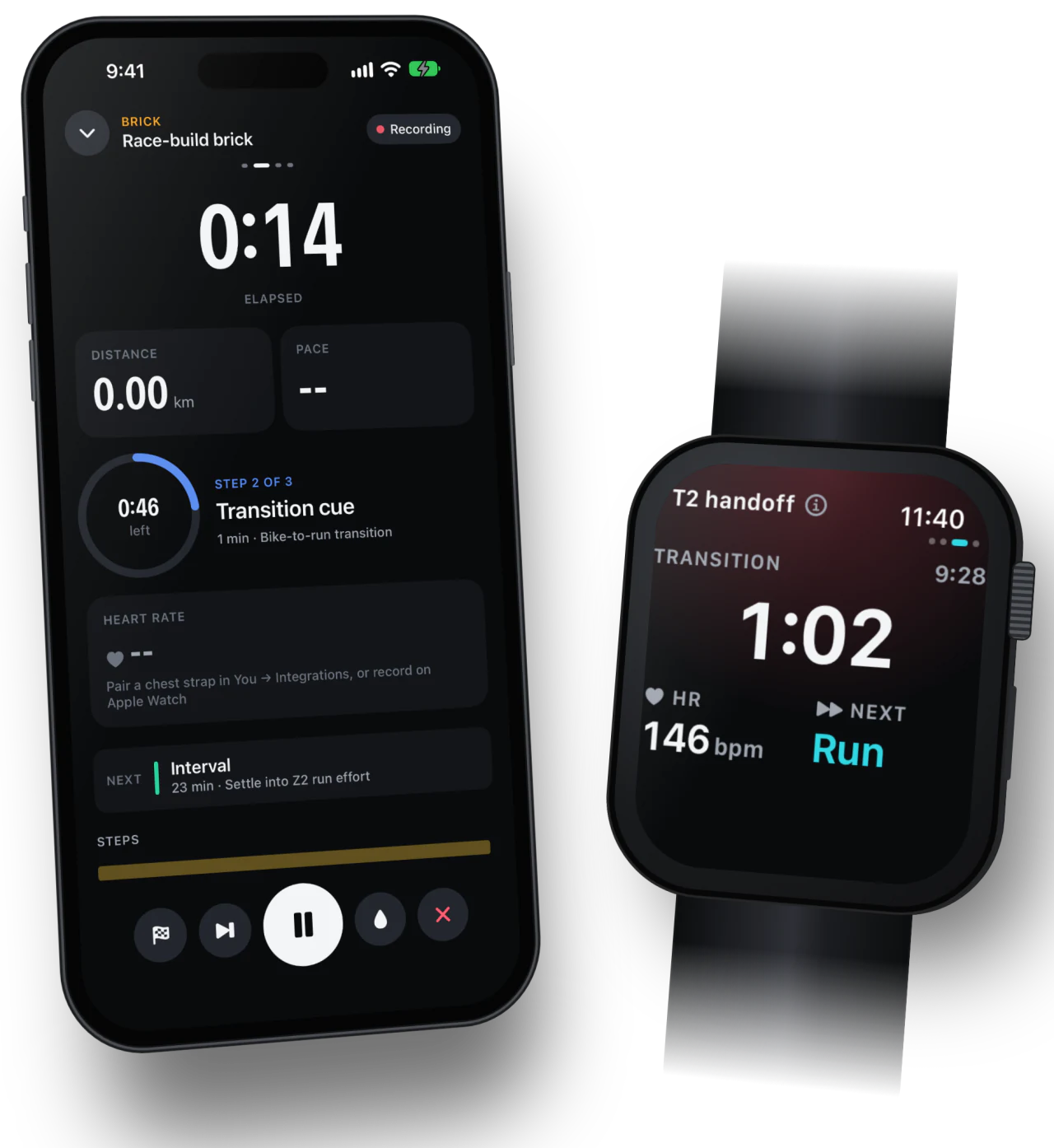
The details Tri athletes use most, on the real screens.
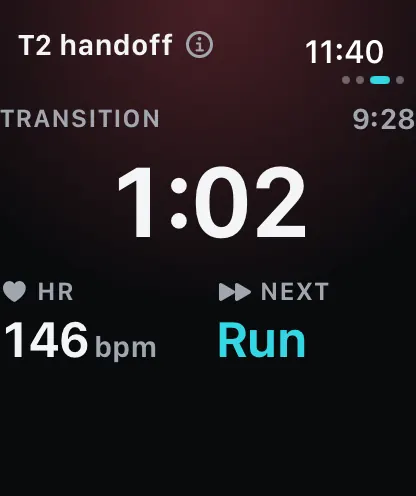
Bike to run without fumbling. The watch times the change and moves you on.
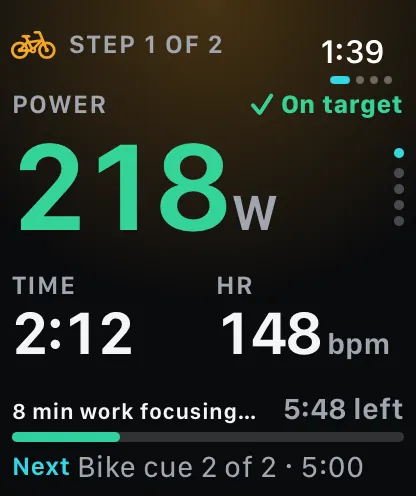
The current step, its target and what comes next, at a glance.
Ask what happens if you move a key workout, and see the projected load first.
Import FIT, GPX and TCX. Export activities as FIT, TCX or GPX.
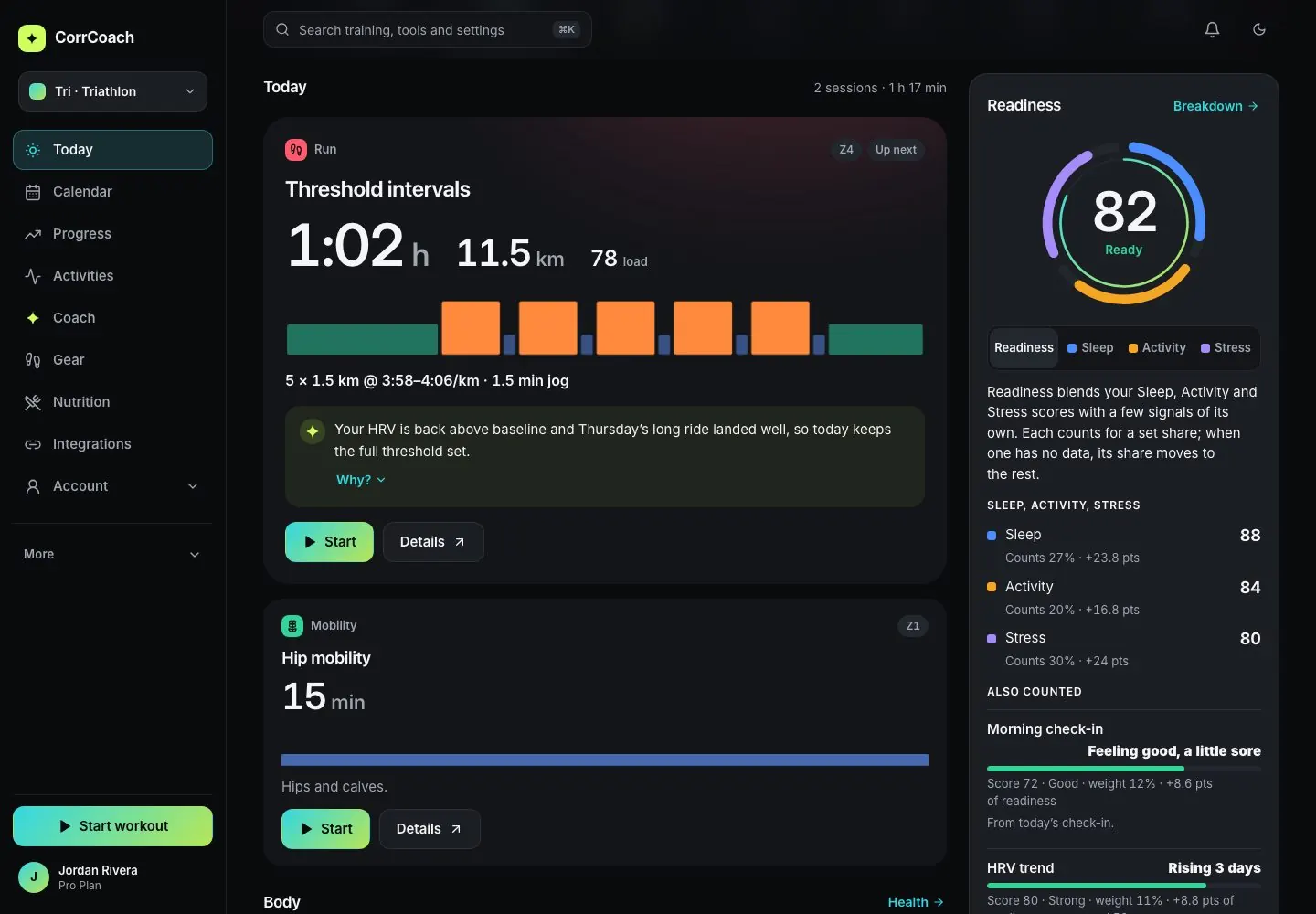
One score from three parts, with the weight and points each part added.
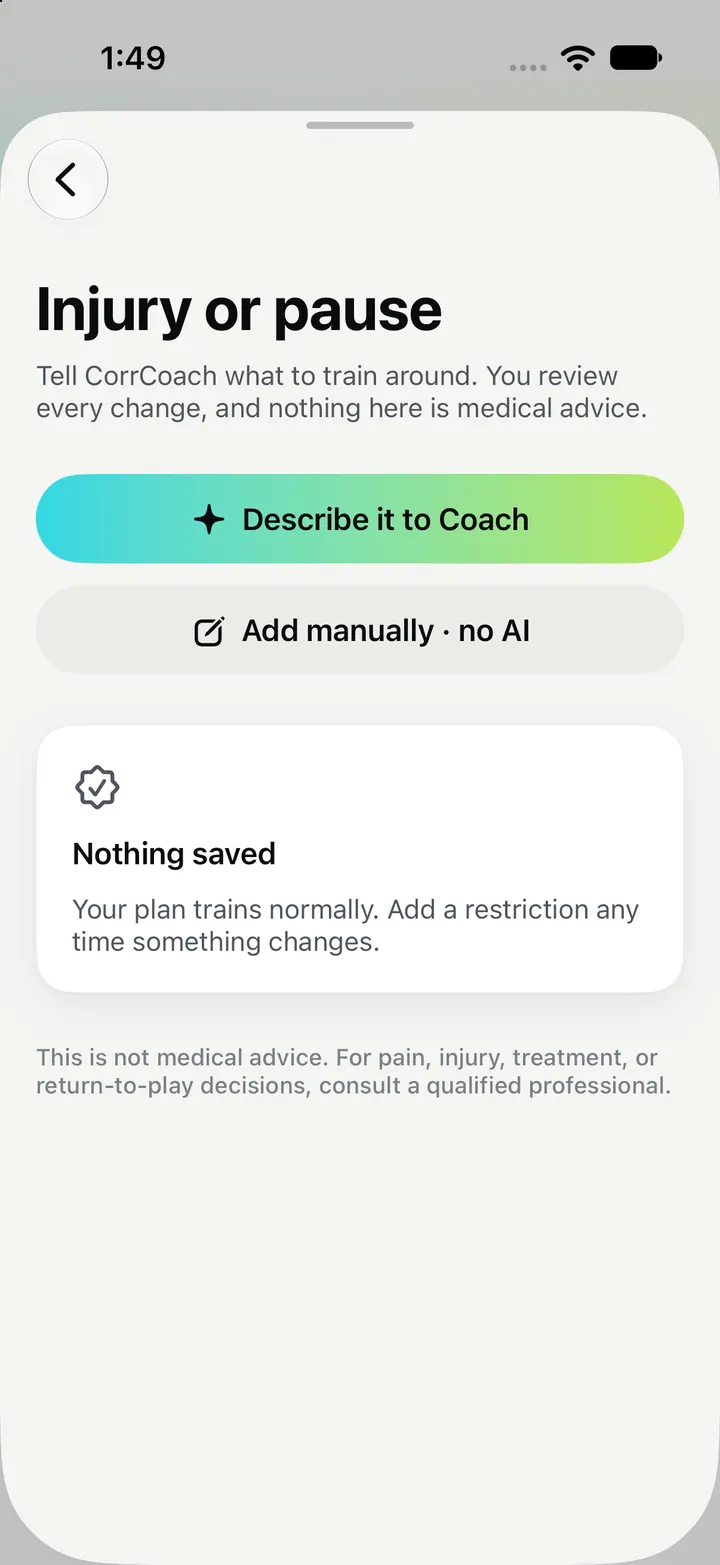
Add an injury or a limit and the plan steers around it.

Subscribing here costs less than in the US App Store. Web prices are in USD. Paid plans renew at the selected annual or monthly cadence until canceled. App Store prices shown are US prices; they can vary by country. Free gives you a 14-day AI plan, and you can view your plan and history on the web. Core and Pro refresh your plan more often, connect your apps, let you make changes on the web and fit the plan more closely to you.
$0
Start in Tri, Go, Mi, or Oli with a 14-day AI plan, one monthly AI plan credit, and an optional zero-credit non-AI plan. View your plan and history on the web.
$16.67/month
$200 billed yearly · monthly equivalent shown.
Save $100 a year compared with the App Store
Save $40 a year compared with monthly web billing
Renews annually until canceled.
Use the weekly coaching loop across Tri, Go, Mi, and Oli with synced data, watch execution, and 9 AI credits/month.
$41.67/month
$500 billed yearly · monthly equivalent shown.
Save $220 a year compared with the App Store
Save $100 a year compared with monthly web billing
Renews annually until canceled.
Get the most frequent personalization across all four lanes with near-unlimited AI credits, 1- and 3-day refreshes using your latest training context, and advanced recovery analytics.
No. Tri works from power, heart rate or your own effort ratings, depending on what you choose to share.
Yes. One CorrCoach account moves between Tri, Go, Mi and Oli, within the access your plan includes.
Add your availability and any injury limits, and the plan will steer around them. CorrCoach gives training guidance, not medical care. If something hurts, see a qualified professional.