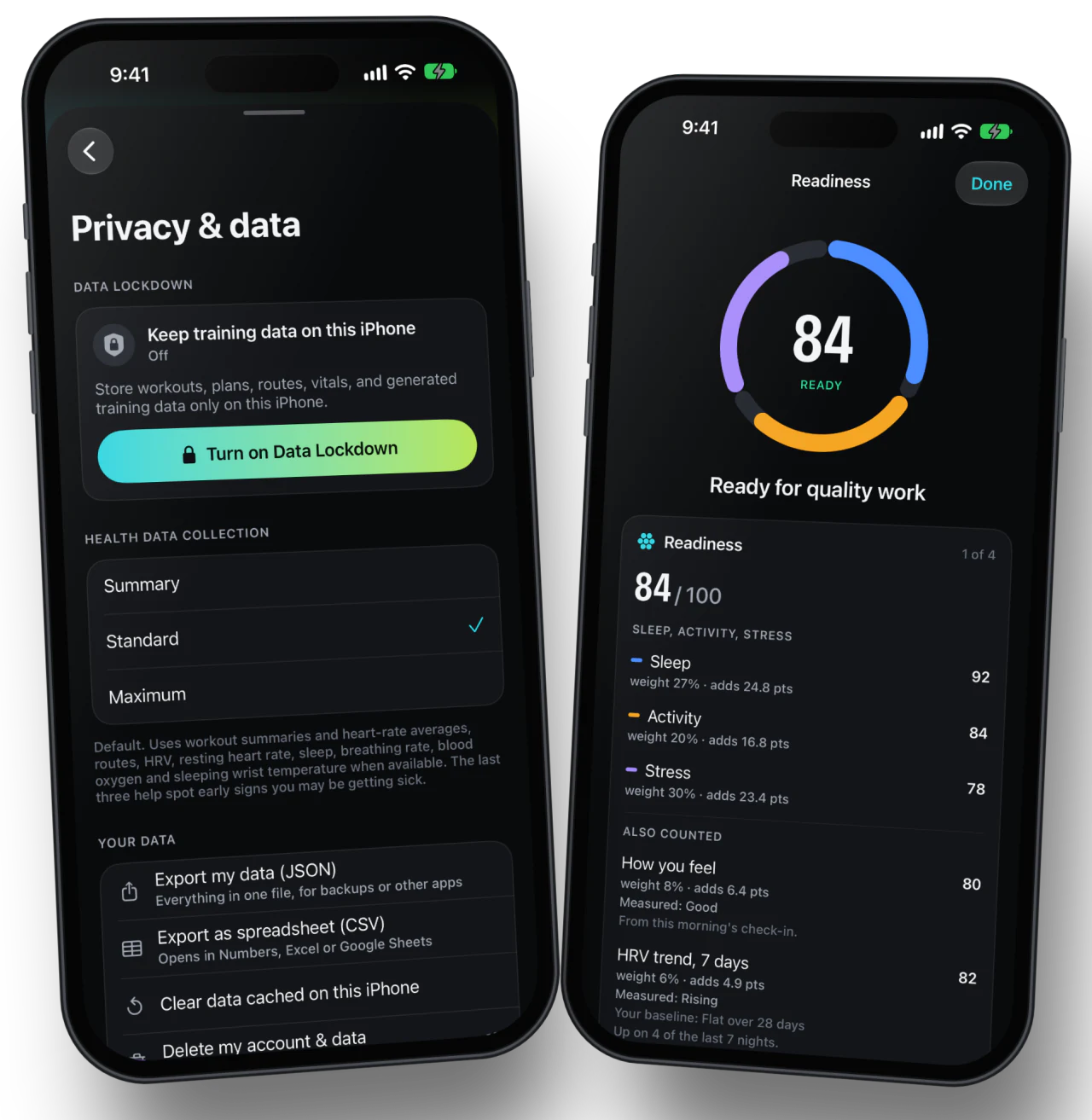
Coaching stays on your iPhone
On supported devices, your training context comes from Apple Health and stays on your phone for local coaching.

Data Lockdown is for athletes who want eligible training data handled locally. On supported iPhones, coaching runs through Apple Health, we remove server-stored training records, and connected imports pause until you turn it off.
On supported devices, your training context comes from Apple Health and stays on your phone for local coaching.
When you turn on Data Lockdown, CorrCoach deletes the training records we normally store for cloud planning. Your account and billing records stay.
Strava, Garmin, and other connected imports stop while Data Lockdown is on. Turn it off anytime you want cloud sync back.
Billing, sign-in, legal, security, and support records stay on our servers. Your account can’t work without them.
CorrCoach with made-up data: Data Lockdown sits in Privacy and data, and readiness comes from Apple Health. Sign-in, billing, legal, security, and support records still need server-side account services.